Openers · Southcrest Estates
Garage Door Remote and Keypad Programming in Southcrest Estates
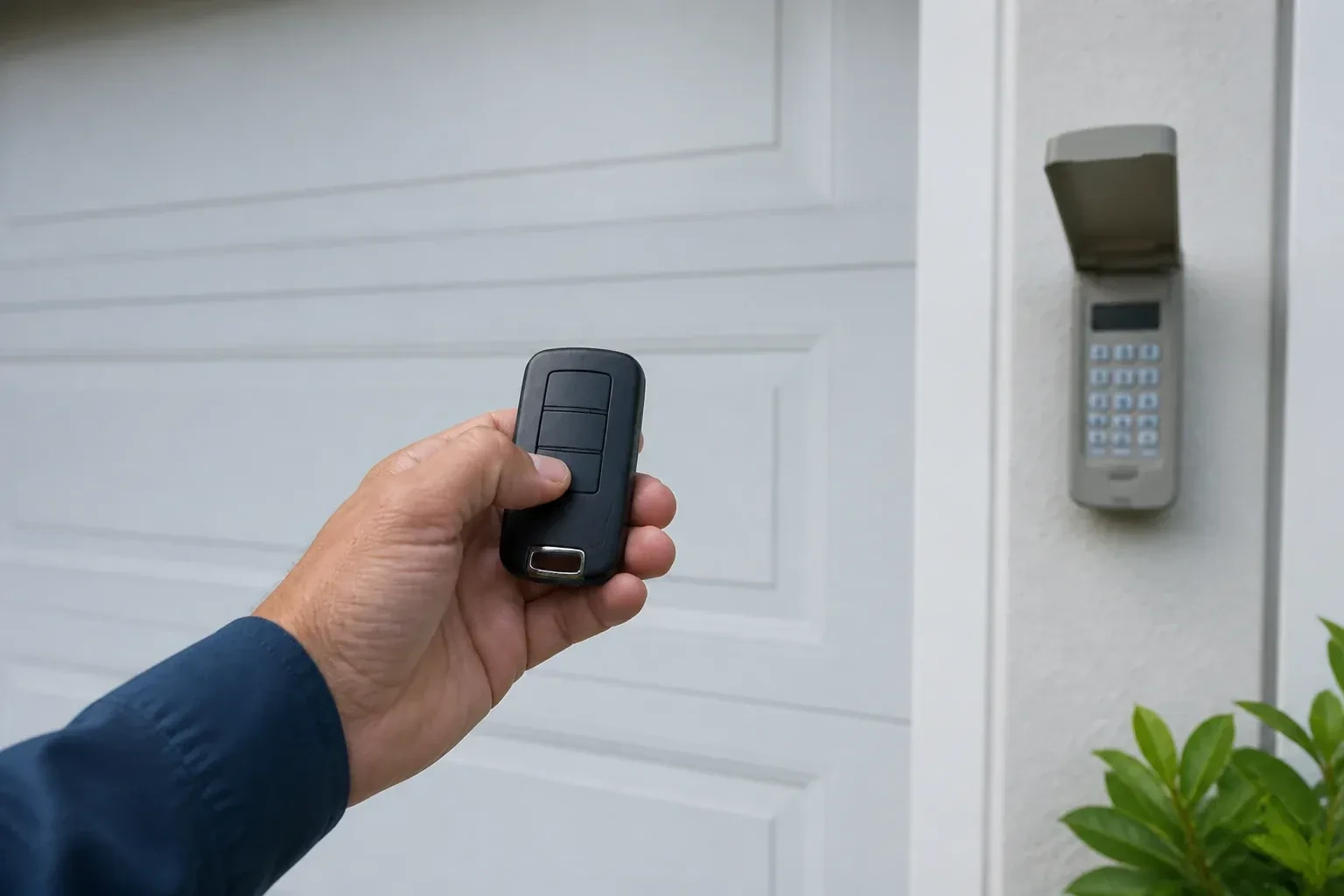
The remote opens the door only when you are almost underneath it.
In plain words
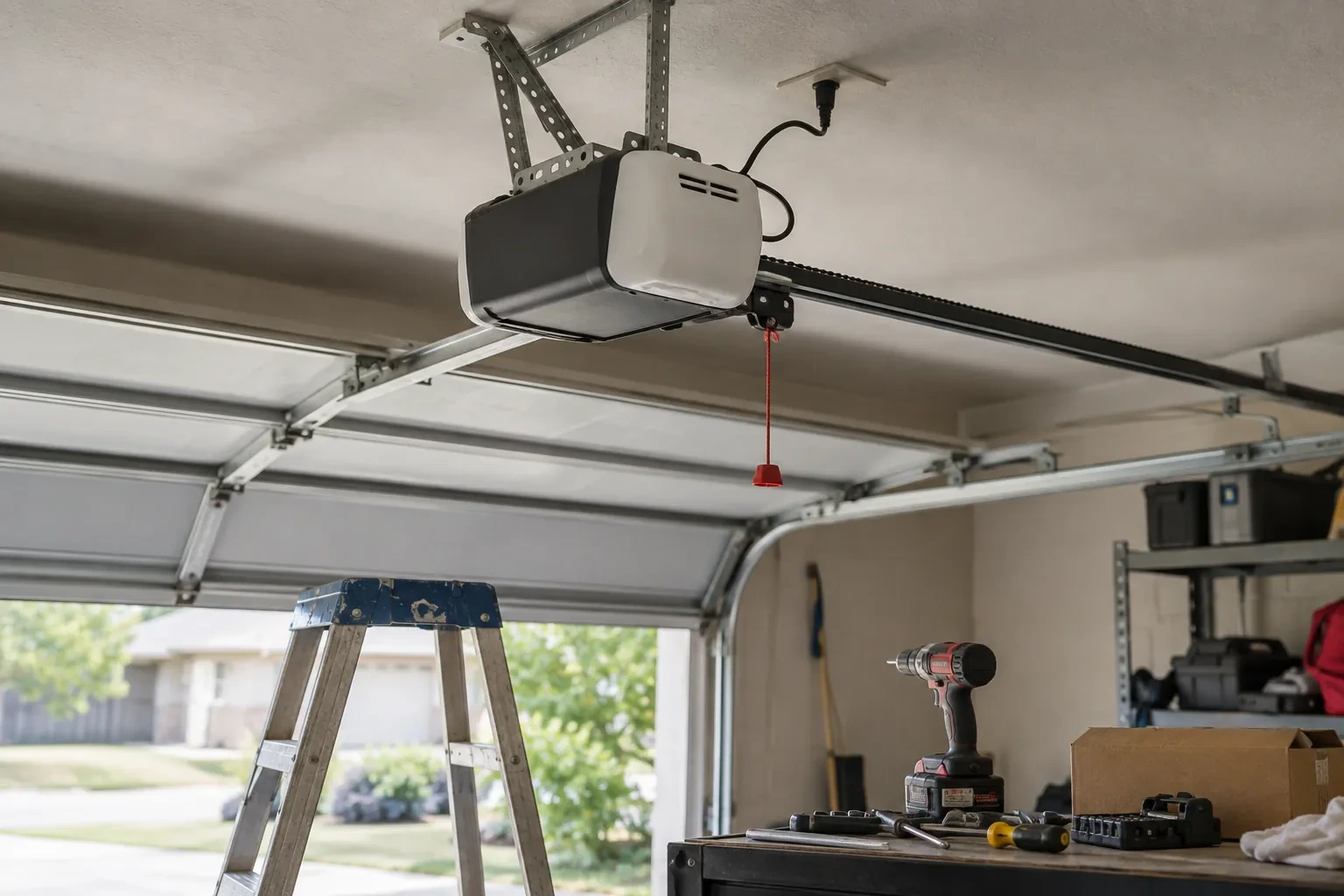
Most remotes that refuse to pair were never going to. Garage door openers have gone through several radio generations since the mid-1990s, and a remote made for one generation is invisible to a receiver from another. The learn button on the head unit, its colour on many makes, and the model label tell the technician which generation you have. The right remote or keypad is chosen from the maker's compatibility chart before any packaging is opened, or a universal control that speaks several generations is used. Programming then takes a moment, because the two sides can finally hear each other.
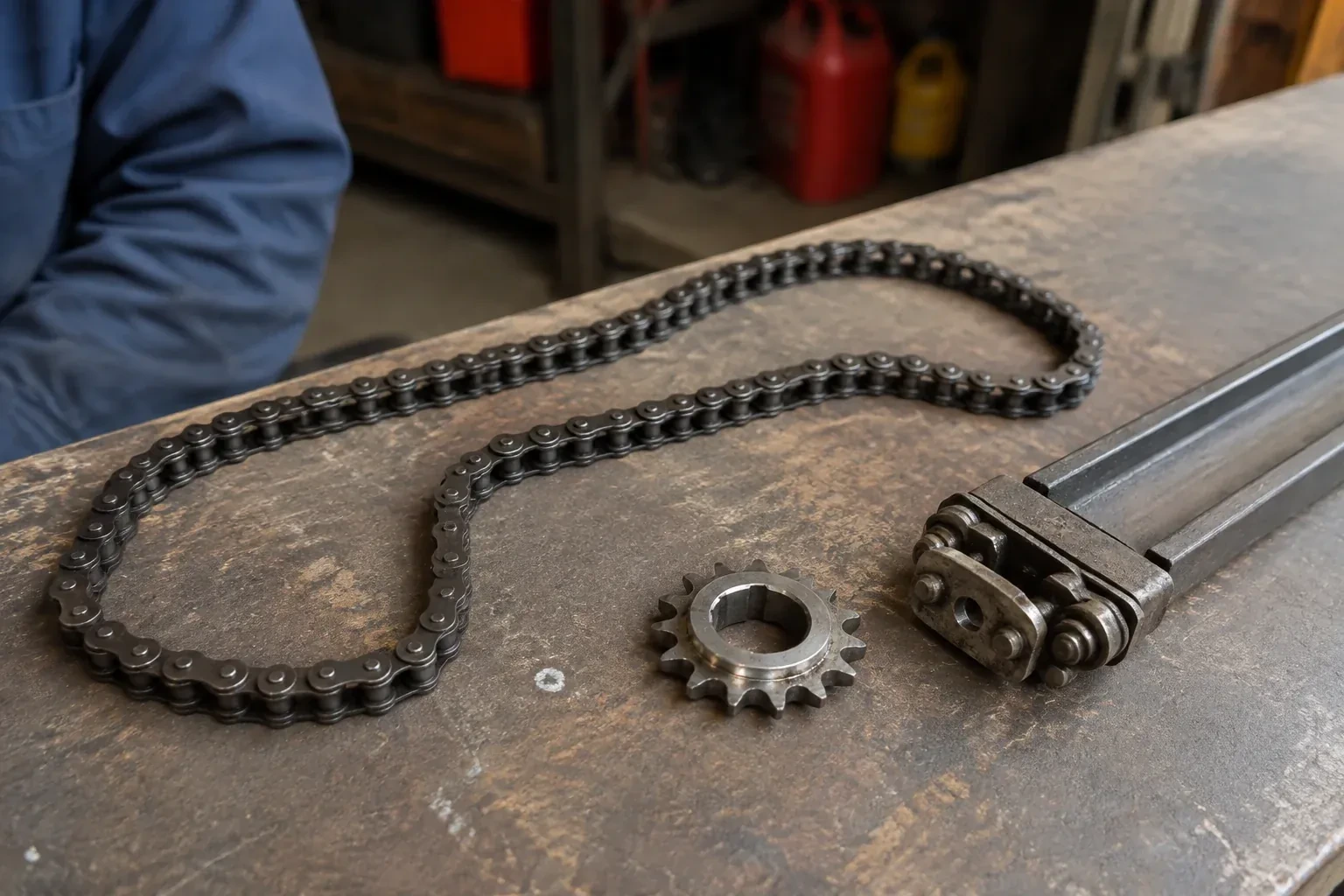
How the visit goesThe opener is an older one with a row of tiny switches inside the remote. The last remote finally died, the maker stopped selling that model years ago, and the door itself still runs perfectly from the wall button.
Garage Door Remote and Keypad Programming
How the visit goes
Vehicle buttons and phone apps
Cars with built-in garage buttons and openers with a phone connection are part of the inventory too. The technician asks which vehicles are programmed, whether a new car needs training, and whether a previous owner's phone might still be linked to a connected opener. For a vehicle, the model year matters, because some older in-car systems need a small compatibility module to talk to newer openers. For an app, the account should be in the household's name. Each of these is a control like any other and gets the same test at the door, so the check lists them alongside the handheld remotes and the keypad.
Adding a remote to the memory
With a compatible remote in hand and the opener confirmed ready, pairing is a short exchange. The technician presses and releases the head unit's learn button, which opens a programming window of roughly half a minute, then presses the chosen remote button until the opener light blinks or the unit gives a click. That button now opens the door. A second button can be tied to a second door or a gate the same way. Each remote is tested from the driveway and from beside the door, and the process is repeated for every device on the list so nobody is left with a control that half works.
The car opens the door, and the door knows the car
Vehicle buttons are trained and tested from the driver's seat, and you know how yours was set up, since not every system uses the same two-stage method of the car learning a remote and then the opener learning the car. If you change vehicles, the new one is set up to its own instructions, and the old one's button should be cleared before the car is sold or returned from a lease. The handover note records which vehicles are programmed and to which door. Where a bridge module was fitted for an older in-car system, its location and what it does are pointed out so a future technician is not puzzled by it.
Garage Door Remote and Keypad Programming
In the van
Keypad mounting screws and anchors
In-vehicle compatibility bridge module
Low-interference replacement bulbs
Universal multi-generation remote
Receiver transformer and two-conductor wire
Garage Door Remote and Keypad Programming
What affects the quote
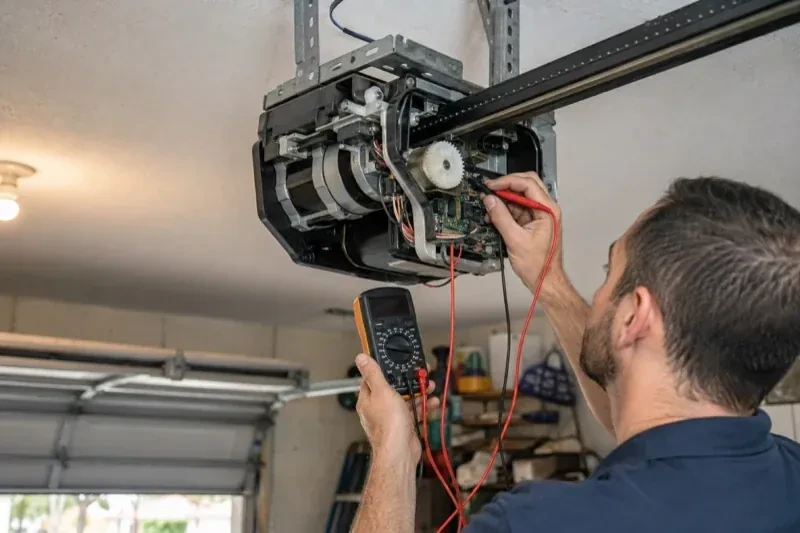
Receiver or logic board fault found
If a known-good remote also fails, the receiver or board is the cause; its diagnosis and replacement are quoted separately from programming.
Access to the head unit
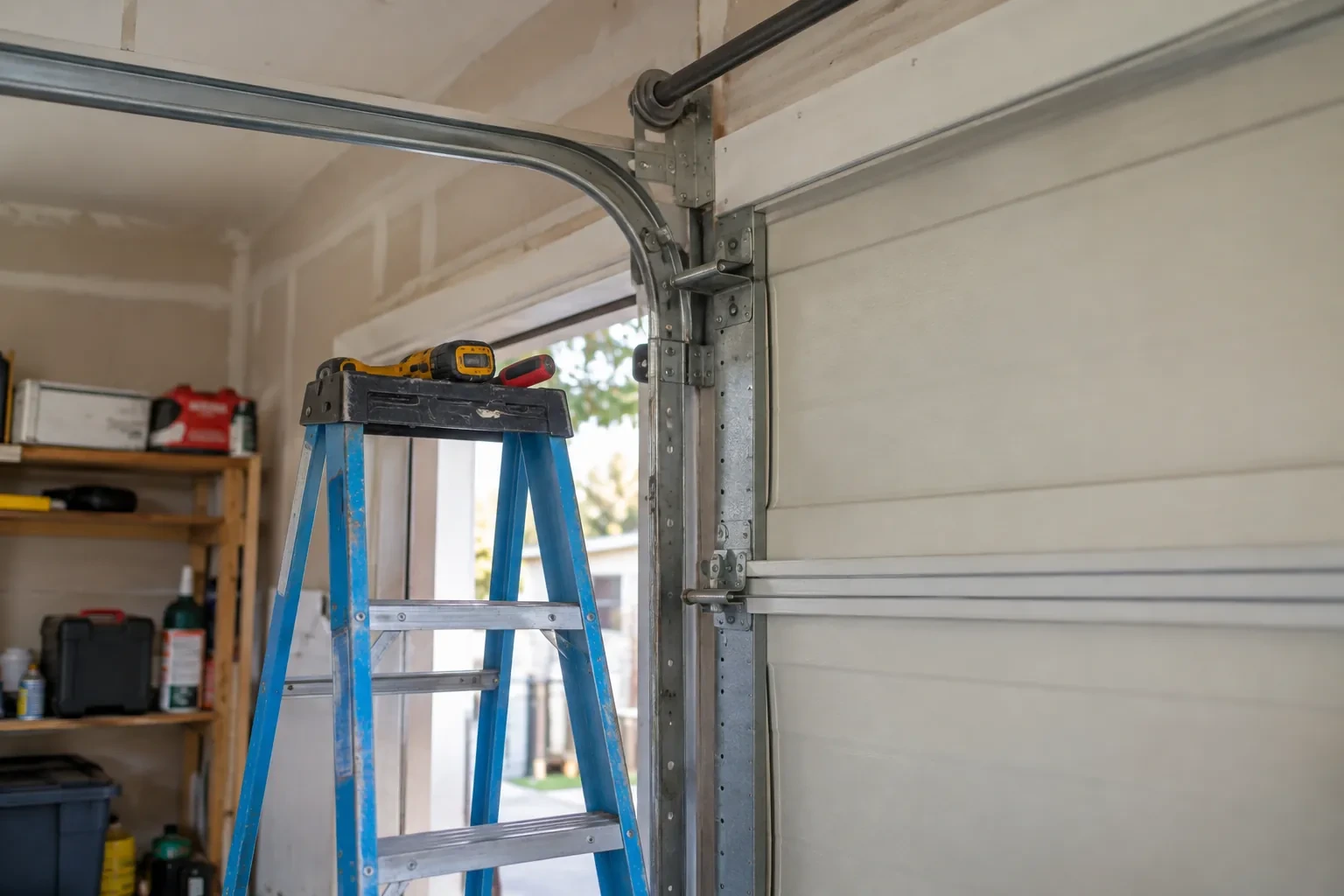
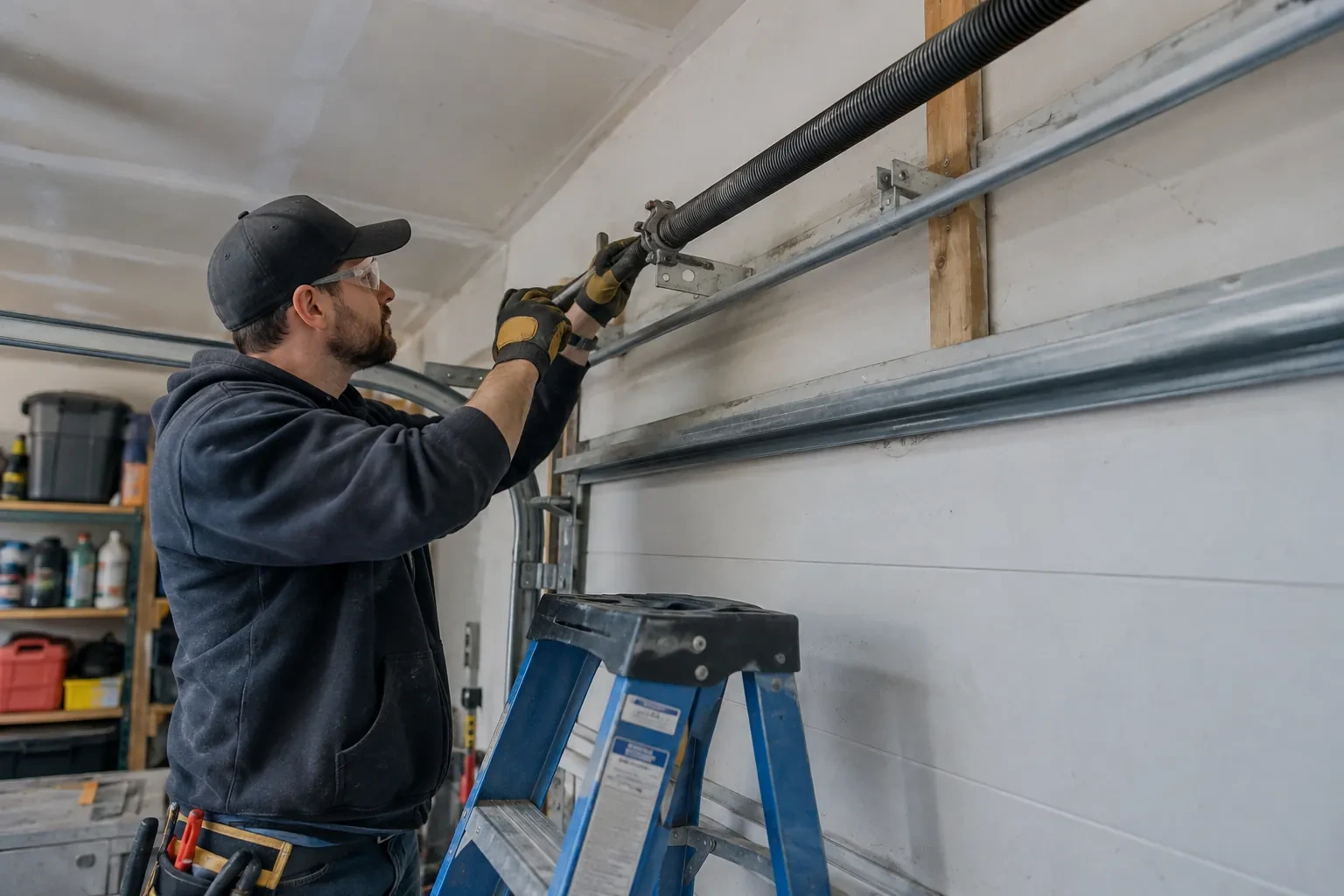
A high ceiling, a storage loft or a car that cannot be moved from under the opener means extra ladder work to reach the learn button.
Connected features
Linking or unlinking a phone app, or checking that a previous owner's account is removed, is quoted as its own step alongside the remotes and keypad.
What to have ready
- Are you adding a control, replacing a lost one, or starting fresh after a move?
- Is any remote missing or stolen, or with someone who should no longer have access?
- Do you have a keypad outside, and does anyone still know its code?
Garage Door Remote and Keypad Programming: questions
QuestionsWhy does my remote work only when I am right under the door?
Short range is a signal problem, not a pairing problem. LED bulbs in the opener's own sockets can emit radio noise that swamps the receiver, an antenna wire tucked into the housing cannot hear well, and a coin cell near the end of its life transmits weakly before it dies. Swapping the bulb, letting the antenna hang free and fitting a fresh cell usually restore range; if not, the receiver is checked.
How many remotes can one opener store?
It depends on the unit. Older head units and add-on receivers hold a handful of devices, often fewer than ten, while newer openers store dozens of remotes, keypad codes and vehicle buttons. When a memory is full, the oldest entry may be overwritten or the new device refused. Taking stock of which controls are still in use, and clearing the ones that are not, keeps space for the devices that matter.
The wall button works but none of the remotes do. Is that a programming job?
Sometimes, but the technician rules out two things first. Lock mode on the wall control tells the opener to ignore every remote, and gives itself away by a steadily blinking wall indicator and two flashes of the opener light whenever a remote is pressed; holding the lock button releases it. A memory cleared by a long press on the learn button is the other cause, and that one is a programming job.